
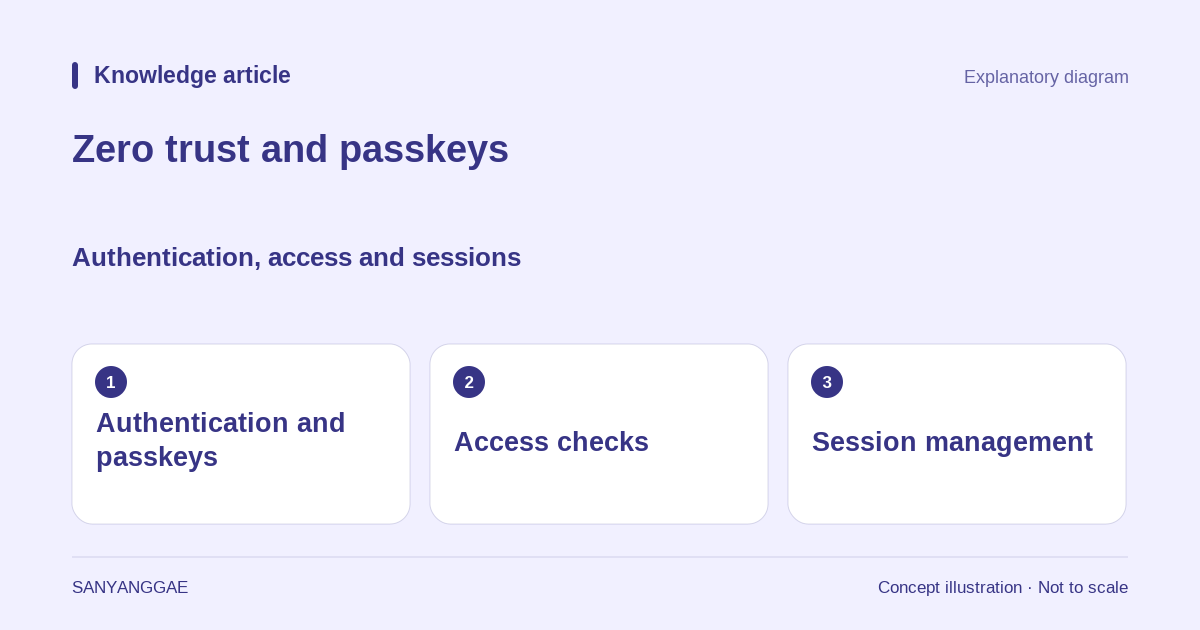
Zero trust is an approach in which a request is not trusted merely because it comes from inside a corporate network. A passkey is a public-key credential for signing in. It does not automatically solve authorization across an entire system.
1. Authentication and authorization are separate decisions
After confirming a user’s identity, assess which data and functions the user may access. Define resources and roles for each service, along with device posture and session conditions, and grant only the access needed. Dropping a VPN or adding a new sign-in method does not on its own implement zero trust.
2. What WebAuthn does
In WebAuthn, an authenticator uses a credential, and the service verifies the authentication response against a public key. Binding the credential to the service identifier helps to resist phishing. It does not eliminate account recovery risks, stolen sessions or misconfigured permissions.
3. What to check before adoption
- List the resources to protect and the permissions associated with each role.
- Review enrollment, sign-in, loss, recovery and offboarding together.
- Check failure logging, permission changes and how old sessions end.
Check the actual conditions under which a request gets through, beyond the product’s feature names. Verify specifics such as passkey synchronization and device support in the chosen platform’s current documentation and your own environment.
4. Follow a request in a payroll service
Imagine that an employee of a fictional company opens a payslip. A successful login means the account's credential has been verified. The service must then check whether the requested payslip belongs to the employee or the employee has an HR role that permits access to other staff records. If merely changing the employee number in an address lets someone open another record, the authorization check has failed even with passkeys in use.
Build a permissions matrix around resources and actions, not menus. Employees may view their own payslips and HR staff may manage records within their remit. Decide separately whether administrators need to see every payroll record. Viewing, exporting and editing carry different risks. Hiding a button does not enforce access control if the server still accepts the request.
NIST distinguishes the role that makes a policy decision from the role that allows a connection according to that decision. The distinction does not mandate a particular product configuration. Even a small service can specify the information used for the decision and the point at which a request is blocked. Trace what happens to policies and active sessions on the same request path when an employee changes roles or leaves.
5. Design passkey enrollment and recovery together
WebAuthn registration uses a service-generated challenge and a service identifier, among other data, to register a new public-key credential. Sign-in validates a response to a fresh challenge. Use a vetted library and server implementation to prevent reuse and verify the correct origin and relying party. Storing a public key alone is not a substitute for the verification process.
Losing a device is a normal operational scenario. Decide whether users can use another enrollment method, go through support and what happens to existing credentials and sessions after recovery. A recovery path an attacker can easily pass weakens the account as a whole despite a phishing-resistant login. Verify the person’s identity when they add or remove an enrolled method as well.
Unlocking a device with a biometric differs from a server collecting and storing a fingerprint or facial data. Check the authenticator and platform implementation before describing the actual data processing. Synced passkeys and device-bound credentials can also differ in how users handle loss, transfer and management. Start with policies for managed and personal devices without assuming that one type suits every organization.
6. Review sessions and exceptional access in operation
Once authentication is complete, a session usually links subsequent requests. Even with stronger sign-in, a leaked session cookie or a signed-in account left open on a shared device creates a separate risk. Verify that session expiry, additional checks for sensitive actions, logout and administrator termination work. This does not require biometric verification on every request.
Operating exceptions need a time limit and a defined scope. Record the resource, reason, expiry and responsibility for revocation so temporary permissions issued during an incident do not become permanent. For failure logs, specify the information needed to distinguish authentication failures, policy denials and system errors without copying every item of personal data. Excess collection can create new data to protect.
Specific denied cases make a better adoption test than a label saying zero trust is in place. Verify that the service rejects attempts involving a departed employee’s account, another employee’s document number, an expired session or an authenticator reported lost. Check that legitimate users can complete recovery, too. The goal is to keep authorized work possible and block unauthorized requests under explainable conditions.
Accounts that connect systems are easy to overlook. A batch job processing payroll overnight does not use a person’s passkey for every login. Define its credential, the storage it may reach and the permitted work separately. Even after improving employee sign-in, a batch path with an old shared password and access to all records leaves a gap. Review human and service accounts in the same asset inventory and distinguish how each authenticates.
If you use device posture in decisions, write down the signal’s limitations. Enrollment in a management tool cannot establish that a device is always safe, and status information may be stale or temporarily unavailable. Decide which tasks to deny and which to allow with restrictions when a signal is missing to avoid accumulating ad hoc exceptions. Reproduce an outage that prevents legitimate users from working, and test the support path as well.
Considering a compromised administrator account shows why grants themselves need to be logged. Check more than whether a particular employee record can be viewed. Establish who granted access, when and whether it remains necessary. Reducing standing access to sensitive permissions and linking approvals with activity records helps narrow the scope of suspicious requests. Logs do not guarantee detection, so assign reviewers and a review schedule.
A practical first step is to trace one type of protected data before replacing products. Follow enrollment and authentication, the authorization decision, the data response, session termination and account recovery to find improvements in the existing setup. Assess passkeys by the reduced need to type passwords and improvements in sign-in, and zero trust by resource-level policy and operational controls.